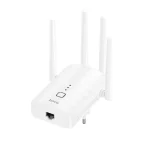
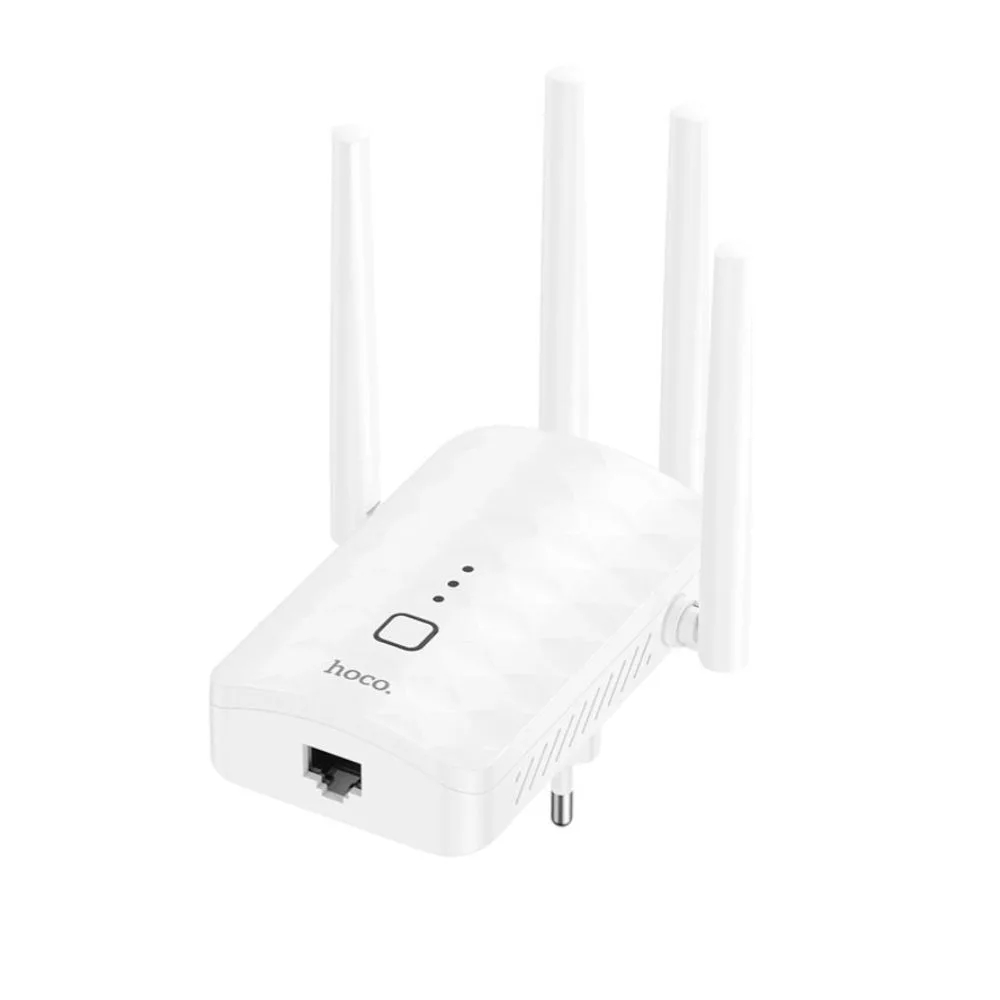
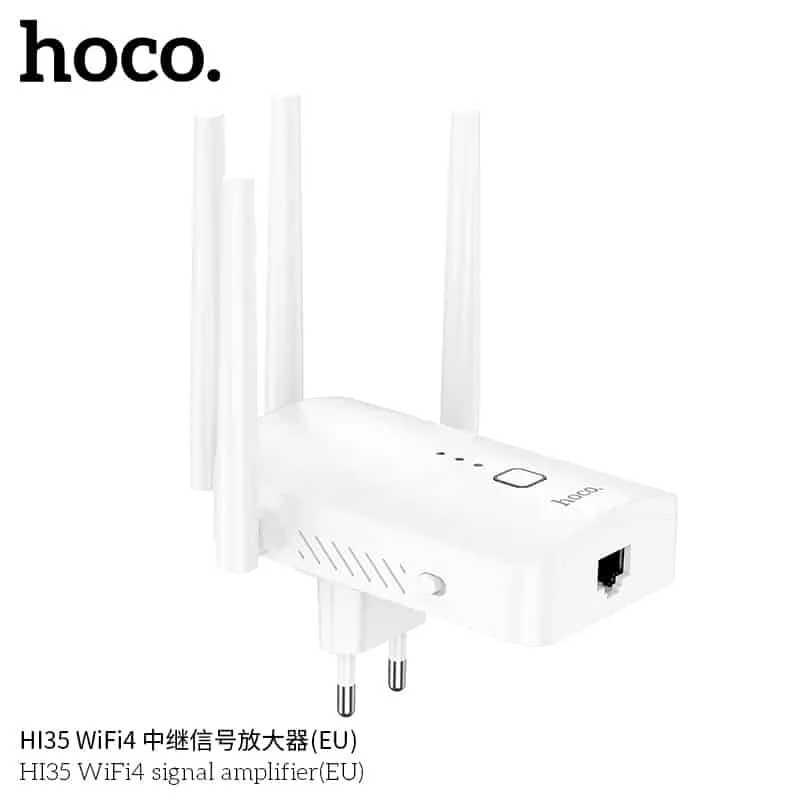
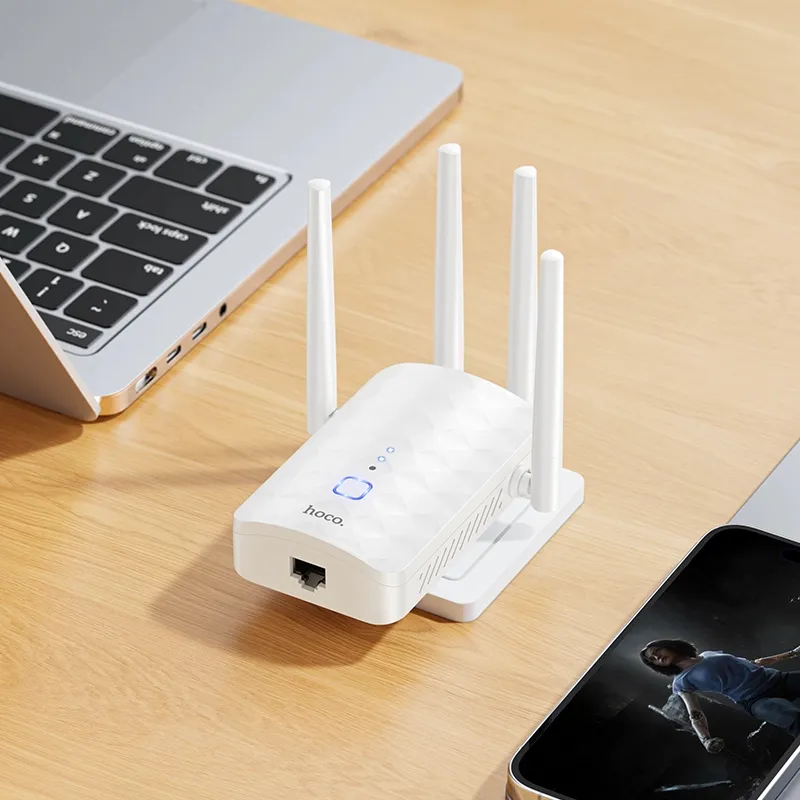
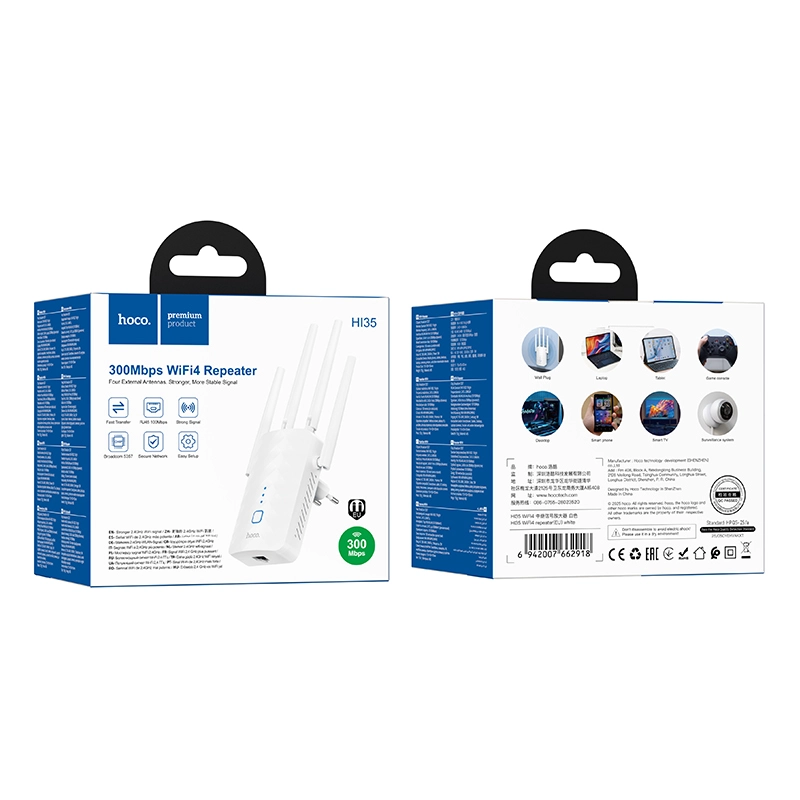
Hoco HI35 WiFi Repeater: Extend Your Signal to Weak-Signal Rooms
Does your WiFi drop in the bedroom, kitchen or upstairs? Thick walls and distance from the router are a common cause in flats and offices. The Hoco HI35 picks up your existing WiFi and rebroadcasts it, so rooms that were slow or dead get a stronger signal without running new cables.
Key Features in Detail
Extends your existing 2.4GHz WiFi
The HI35 works on the 2.4GHz band (2.412 to 2.484GHz) with a signal rate of up to 300Mbps (dynamic). It works with standard 2.4GHz routers, and most dual-band routers also broadcast a 2.4GHz network.
Secure connection
It supports WFA WPA/WPA2/WPA3 encryption, so your extended network can use the same strong security as your main one. WPA3 only applies if your router supports it too.
LAN / WLAN port (10/100Mbps)
The network port lets you connect a wired device, such as a TV, desktop or game console, to your network. The 10/100Mbps port suits everyday use. [Confirm port function, see notes below.]
Compact, durable design
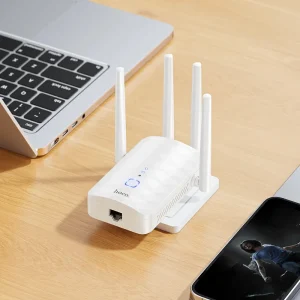
At 115 x 105 x 105mm and 155g, it’s small enough to place in any room. The ABS body is light and sturdy.
Network cable included
A 1m network cable comes in the box for setup and wired connections.
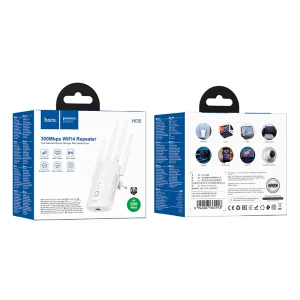
Technical Specifications
| Feature | Specification |
|---|---|
| Brand / Model | Hoco HI35 |
| Type | WiFi repeater (range extender) |
| Wireless frequency | 2.412 to 2.484GHz (2.4GHz only) |
| Signal rate | Up to 300Mbps (dynamic) |
| Encryption | WFA WPA / WPA2 / WPA3 |
| Network port | WLAN/LAN, 10/100Mbps |
| Material | ABS |
| Size | 115 x 105 x 105mm |
| Weight | 155g |
| Network cable length | 1m |
What’s in the Box
- 1 × Hoco HI35 WiFi repeater
- 1 × Network cable (1m)
- [Confirm other items, such as a user manual]
Why Choose the Hoco HI35 in Bangladesh?
- Fixes weak-signal rooms: Useful in multi-room flats, shared houses, hostels and small offices where concrete walls weaken WiFi.
- Simple and affordable: It costs far less than a new router or running cables.
- Wired option: The network port lets you plug in a device that works better on cable.
Best for:
- Home users with weak signal in some rooms
- Students and shared housing
- Small offices and shops
Where to Buy Hoco Products in Bangladesh?
Order the Hoco HI35 at jontrobazar.com with Cash on Delivery and delivery across Bangladesh. [Add your warranty terms and delivery charge here.] Browse more in our Networking collection.
Tips for Best Placement
- Place it halfway between your router and the weak-signal area. It needs a decent signal to repeat. If it can’t see the router well, it can’t extend it.
- Keep it away from walls, metal and microwaves, which block or interfere with 2.4GHz.
- Expect lower speed than your main router. A repeater shares its bandwidth between receiving and sending, so real speeds are lower than the 300Mbps maximum.
- Update your router password settings carefully. If you change your router’s WiFi password later, set up the repeater again.
Frequently Asked Questions
What does a WiFi repeater do?
It receives your router’s signal and rebroadcasts it, extending your WiFi coverage into rooms with a weak signal.
Does the Hoco HI35 support 5GHz?
No. It works on 2.4GHz only, with up to 300Mbps (dynamic).
Will it work with my router?
It works with standard WiFi routers that broadcast a 2.4GHz network. If your router is 5GHz-only, it won’t connect.
Is 300Mbps the real speed?
300Mbps is the maximum rate on the 2.4GHz band. Real-world speed is lower and depends on distance, walls and interference, and it can’t exceed your internet plan.
What is the LAN port for?
It’s a 10/100Mbps network port for connecting a wired device. [Confirm exact function.]
Is it secure?
It supports WPA, WPA2 and WPA3 encryption. Use a strong WiFi password.
Do you offer Cash on Delivery?
Yes, Jontro Bazar offers Cash on Delivery with delivery across Bangladesh.