
Hoco HI39 2-in-1 Wireless Adapter: Add WiFi and Bluetooth to Your PC
Many desktop PCs and older laptops have no WiFi or Bluetooth, or a weak card that keeps dropping. The Hoco HI39 fixes both with one USB adapter. Plug it in and you can connect to WiFi, pair your wireless earbuds, neckband, mouse or keyboard, and stop dealing with LAN cables.
Key Features in Detail
Dual-band Wi-Fi 5
It supports both the 2.4GHz and 5GHz bands. Use 2.4GHz for longer range, or 5GHz for faster speed and less congestion when you’re closer to your router. You need a dual-band router to use 5GHz.
Bluetooth 4.2 built in
One adapter handles Bluetooth too, so you can connect wireless earbuds, headphones, a mouse, a keyboard or a speaker to your PC. Looking for something to pair it with? See our TWS earbuds and neckbands.
Rated up to 650Mbps
Wi-Fi speed is rated up to 650Mbps, enough for HD streaming, video calls, downloads and online classes. Real speeds depend on your router and internet plan.
Realtek RTL8821CU chipset
It’s based on the widely used Realtek RTL8821CU chipset, which is supported by Windows.
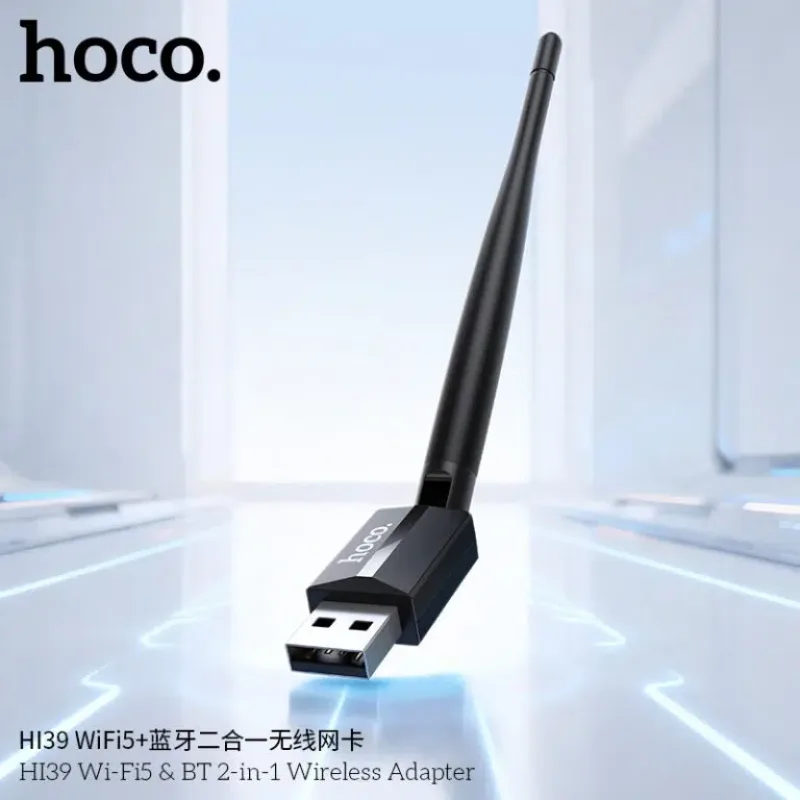
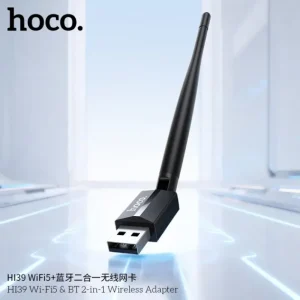
External booster antenna
The external antenna improves reception, which helps if your PC is far from the router or behind walls.
Hotspot support and plug and play
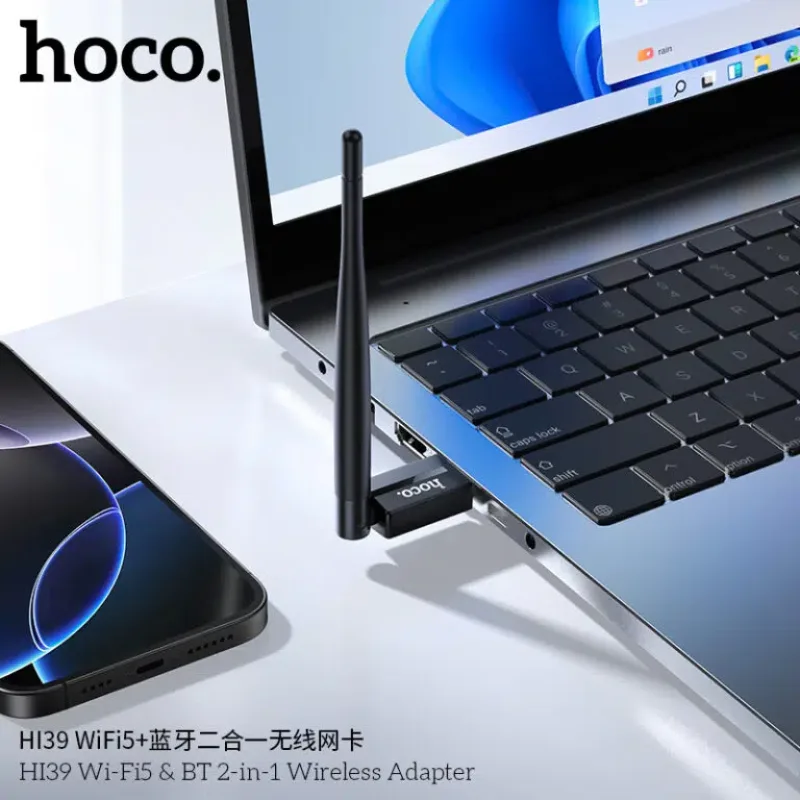
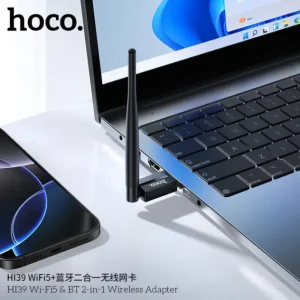
It supports Windows Wi-Fi hotspot on compatible setups, and is plug and play on Windows 10 and Windows 11.
Compact and light
At 155 x 18 x 11mm and 12g, it’s easy to carry between a desktop and a laptop.
Technical Specifications
| Feature | Specification |
|---|---|
| Brand / Model | Hoco HI39 |
| Type | 2-in-1 USB WiFi + Bluetooth adapter |
| Wi-Fi standard | Wi-Fi 5, dual-band (2.4GHz and 5GHz) |
| Bluetooth | 4.2 |
| Speed | Rated up to 650Mbps |
| Chipset | Realtek RTL8821CU |
| Antenna | External booster antenna |
| Compatibility | Windows 10 and Windows 11 |
| Size | 155 x 18 x 11mm |
| Weight | 12g |
What’s in the Box
- 1 × Hoco HI39 wireless adapter
- [Confirm other items, such as a driver CD or manual]
Why Choose the Hoco HI39 in Bangladesh?
- Two jobs, one port: WiFi and Bluetooth for the price of one adapter, and only one USB port used.
- Great for desktop PCs: Most desktops have no wireless card, so this is the easy upgrade.
- Faster 5GHz option: Better for streaming and downloads when you’re close to the router.
Best for:
- Students and home users with a desktop PC
- Anyone with an old laptop with weak WiFi or broken Bluetooth
- Gamers and office users who want to pair wireless earbuds with a PC
Where to Buy Hoco
Order the Hoco HI39 at jontrobazar.com with Cash on Delivery and delivery across Bangladesh. Browse more in our Computer Accessories collection.
Tips for Best Use
- Use a rear USB port on a desktop. Ports on the back of the PC usually give better reception than front-panel ports.
- Raise or reposition the antenna away from metal and the back of the PC case.
- Pick the right band: 5GHz for speed when close to the router, 2.4GHz for range through walls.
- If Windows doesn’t set it up automatically, install the Realtek driver.
Frequently Asked Questions
Does the Hoco HI39 work on Windows 10 and 11?
Yes. It’s listed as plug and play for Windows 10 and Windows 11.
Will it work on Mac, Linux or a TV?
Only Windows 10 and 11 are listed, so this page doesn’t claim support for anything else.
Does it support 5GHz WiFi?
Yes. It’s dual-band, covering both 2.4GHz and 5GHz. You need a router that broadcasts 5GHz.
What is the Bluetooth version?
Bluetooth 4.2, which works with most wireless earbuds, headphones, keyboards and mice.
Is it the same as Wi-Fi 6?
No. It’s Wi-Fi 5, which is fast enough for most home use and streaming.
Do I need to install a driver?
It’s listed as plug and play on Windows 10 and 11. If your PC doesn’t detect it, install the Realtek driver.
Do you offer Cash on Delivery?
Yes, Jontro Bazar offers Cash on Delivery with delivery across Bangladesh.